samsung-galaxy-tab-a-10-1-2016Samsung Galaxy Tab A 10.1 (2016)
SM-T580
A common 10-inch tablet from 2016 that runs Glassworks for generic Android on LineageOS.
It installs as a normal app. This is a tested device—it runs Generic Android out of the box. Tested by the community on LineageOS. Read the report
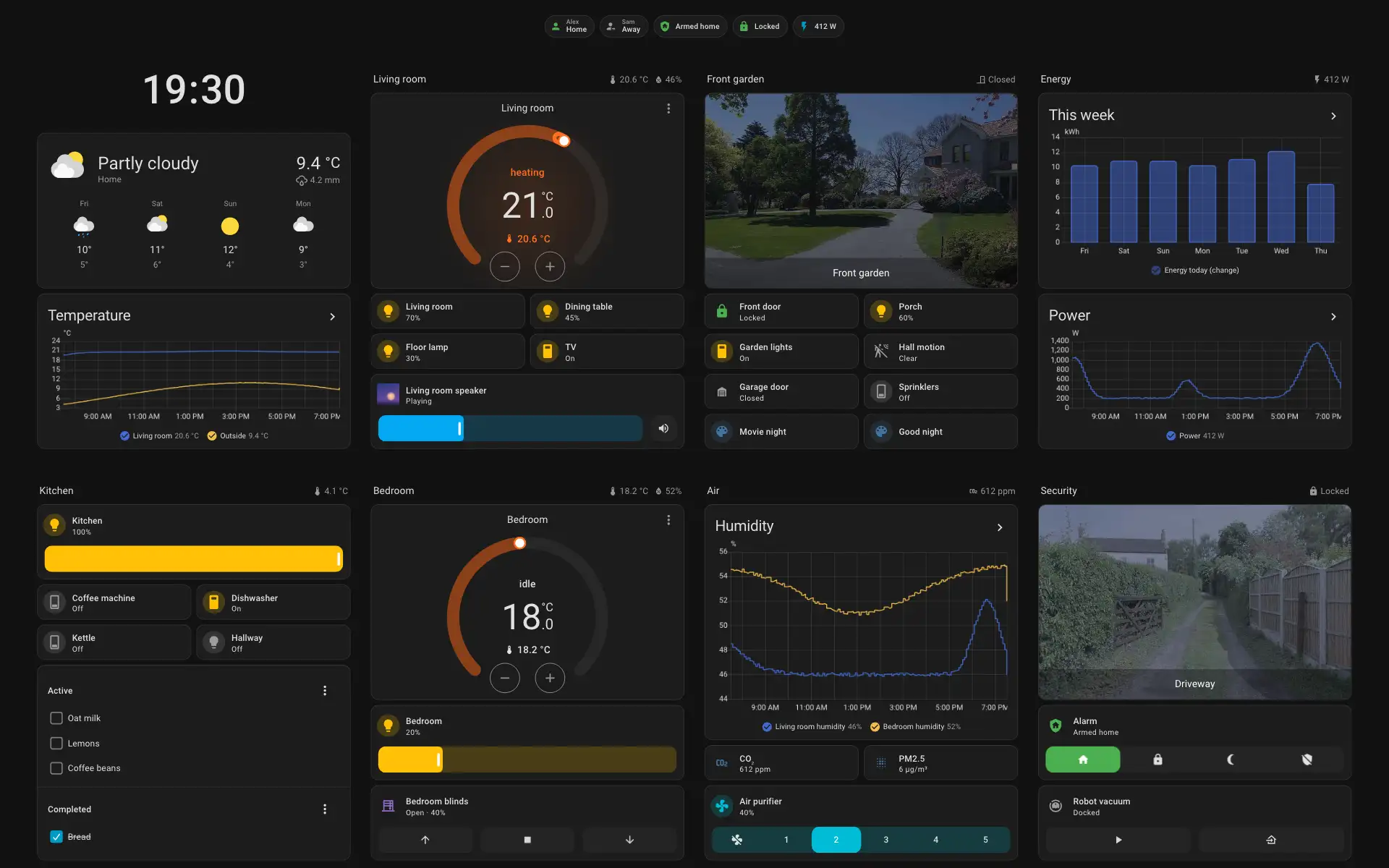
It was tested on an unofficial 64-bit LineageOS build. Samsung's own Android 8.1 on this tablet runs 32-bit apps only, and hasn't been tested with Glassworks.
ClarityNot measured yet
Clarity grades a frame as a wall panel, from A+ to E: how fast taps answer, how smoothly it scrolls, how quickly changes reach the screen, how long a view takes to draw and how long it stays blocked after that, and how cameras play, on a light dashboard, a typical one without and with a camera, and a heavy one.


<a href="https://www.glassworks.dev/frames/samsung-galaxy-tab-a-10-1-2016#clarity">
  <picture>
    <source media="(prefers-color-scheme: dark)" srcset="https://www.glassworks.dev/frames/samsung-galaxy-tab-a-10-1-2016/clarity-on-dark.svg">
    <img alt="Clarity grade" src="https://www.glassworks.dev/frames/samsung-galaxy-tab-a-10-1-2016/clarity-on-light.svg" height="30">
  </picture>
</a>Decides the word
- Install: Not yet.Taps on the device not checked yet.
- Silent updates: Not yet.No panel has reported it yet.
- Hardware: Not yet.Not checked on a real unit yet.
- Kiosk: Not yet.Not checked: the only home screen, no vendor screens, back after a reboot and the screen sleeps and wakes.
- Setup: Not yet.Not checked on a real unit yet.
Shown, doesn't count
- Recovery: Ticked.Uninstall the app.
- Branding: Not yet.The maker's boot screens stay: a tested device has no recipe of its own.
- Proof: Not yet.Clarity not graded on a real unit yet. Panel runs not done yet.
Panes
2 run hereHardware
Docs for this frame
All docs ›What installing changes
For Glassworks itself, on LineageOS. Putting LineageOS on the tablet first is a separate step that wipes it.- Difficulty
- Reversible
- Modifies Android
- Root
- Opens the device
- Vendor apps
- Wipes the device
- Backup
- Updates
Dashboard starter prompts
All blueprints & prompts ›Docked tablet hub dashboard
A multi-column tablet layout for 16:10 screens on a charging speaker dock or wall mount, pairing room controls with a live porch camera card and quick status chips.
binary_sensor.<panel>_camera_presencecamera.<front_door>light.*climate.*View starter prompt
Build a Home Assistant Lovelace Sections dashboard YAML (using built-in Tile, Thermostat, Weather, and Picture Glance cards — no HACS required) tuned for an 11-inch 16:10 Android tablet (such as a docked Pixel Tablet) running Glassworks.

Structure:
- Top badge bar: indoor temperature, count of lights on, front door lock state, and alarm status.
- 3-column responsive grid that fits on one landscape screen without scrolling:
  1. Left column: Room light tiles with brightness sliders and a Quick Scenes row (Morning, Evening, Goodnight).
  2. Middle column: Weather card and a Thermostat card for the main HVAC zone.
  3. Right column: Live front door camera card (with a tap action to toggle the front door lock) and a Music Assistant media player card.

Keep the YAML clean, commented, and easy to swap in my own entity IDs.